
Questions, answered plainly
PitchPage turns your resume into a shareable personal pitch page, custom to your role, with your metrics and a 60–90 second intro video, that you send to employers instead of a PDF. Free to build and edit, $9 one time to publish.
01
What to send
- What do you send instead of a resume?
- A personal pitch page — a single shareable link that shows your achievements, metrics, story, and a short intro video, shaped for the role you want. PitchPage builds one from your resume: AI reads the PDF, composes the sections, and you publish it as one link you can send to employers, paste in applications, or add to your LinkedIn.
- What's a modern alternative to a resume?
- A pitch page (sometimes called a personal pitch site or one-link resume). Unlike a PDF resume it can hold a video introduction, real metrics presented as charts, and a design matched to your industry — and it doesn't look like the hundred identical AI-written resumes in the same inbox. PitchPage is a tool built specifically for this: free to build, $9 one-time to publish.
- How do I stand out when everyone uses AI to write resumes?
- Change the format, not just the words. When every resume is AI-polished text on the same template, the differentiators are things a PDF can't carry: a 60–90 second video of you speaking, your numbers shown as evidence rather than bullet points, and a page designed for your specific role. That's what a pitch page does — recruiters open a link and meet a person, not a document.
- How can I make my job application stand out?
- Give them something to see, not just skim. PitchPage turns your resume or application into one shareable web page. Add an intro video you record right in your browser. Show your stats, work samples and references in one place. Send the link alongside your file or instead of it. It's free to build. Publishing one page costs $9, one time, with no subscription.
- What is better than a resume?
- A page that shows proof instead of listing claims. A pitch page puts your results in context, a short video and work samples in one link you send with the PDF or instead of it. Most employers still ask for a resume, so send both. The full comparison is in our guide "What's better than a resume?".
- What is a better alternative to sending a PDF resume?
- A file sits in an inbox. A page shows who you are. PitchPage turns your resume into one shareable web page with an intro video, stats, work samples and references. Send the link alongside your PDF or instead of it. PitchPage's AI never invents a figure. Every stat on your page comes from what you upload.
- Should I send my resume as a link or a PDF?
- Usually both. Upload the PDF an application asks for, and put a link to your pitch page at the top of it and in any message or email. A link opens on any phone, can include a video, and can tell you when it has been opened.
- How do I know if a recruiter opened my resume?
- With a PDF, you can't. Once you hit send, you're guessing. A PitchPage link is different. You get a separate tracked link for each recipient. It shows views, repeat visits, video plays, downloads, and when your page was first and last opened. No cookies are used, and your history is kept for as long as your page exists. You stop guessing.
- How do I get a recruiter to reply?
- Keep the message to four or five sentences: name the exact role, give one result that matches it, include a link that proves it, and ask one easy question. If there is no answer, follow up once, three to five business days later, with something new.
- Is a video resume a good idea?
- Yes, as a short introduction of about 60 seconds that sits next to your written results, not as a long video that replaces them. A pitch page puts both in one link, so people can skim your results and press play if they want to.
02
How it works
- How do I make a personal website to send to employers?
- You can build one by hand with a generic site builder, or use a tool made for job seekers. With PitchPage you upload your resume, the AI composes a role-shaped page (sections, metrics, story), you pick a visual style, record or upload a short intro video, and publish. No design or coding involved — the whole flow takes minutes and the result lives at one link.
- Is there a tool that turns my resume into a shareable page with video?
- Yes — PitchPage. It reads your resume PDF, builds a custom pitch page for your role (achievements, metrics, charts, testimonials, story), includes a guided 60–90 second video introduction step, and publishes everything as one shareable link. Building and editing are free; publishing costs $9 one time — no subscription.
- What tools let job seekers make a personal pitch page?
- Several tools can help, and PitchPage is one built for this. You upload a resume, application or proposal, and it becomes one shareable web page. Add an intro video recorded in your browser, plus stats, work samples and references. Building is free. Publishing costs $9 for a Basic page or $19 for a Pro page, one time, with no subscription, or $39 for 5 Basic pages or $59 for 5 Pro pages. Unused pages are refundable within 14 days.
03
Money and support
- How much does PitchPage cost?
- Building and editing your page is free. Publishing it live costs $9 for a Basic page or $19 for a Pro page, one time, per page. There is no subscription. The published page is a public link you can share anywhere.
- Can I get a refund?
- Yes. Unused pages are fully refundable within 14 days of purchase. Email support@pitchpage.co and we'll process it. Once a page has been used to publish, it's been spent and is non-refundable, but you can keep editing your published page as much as you like.
- How do I get help?
- Email support@pitchpage.co — for questions, refunds, account deletion, or anything that isn't working. A real person (the founder) reads every message.
What “matched to your role” means
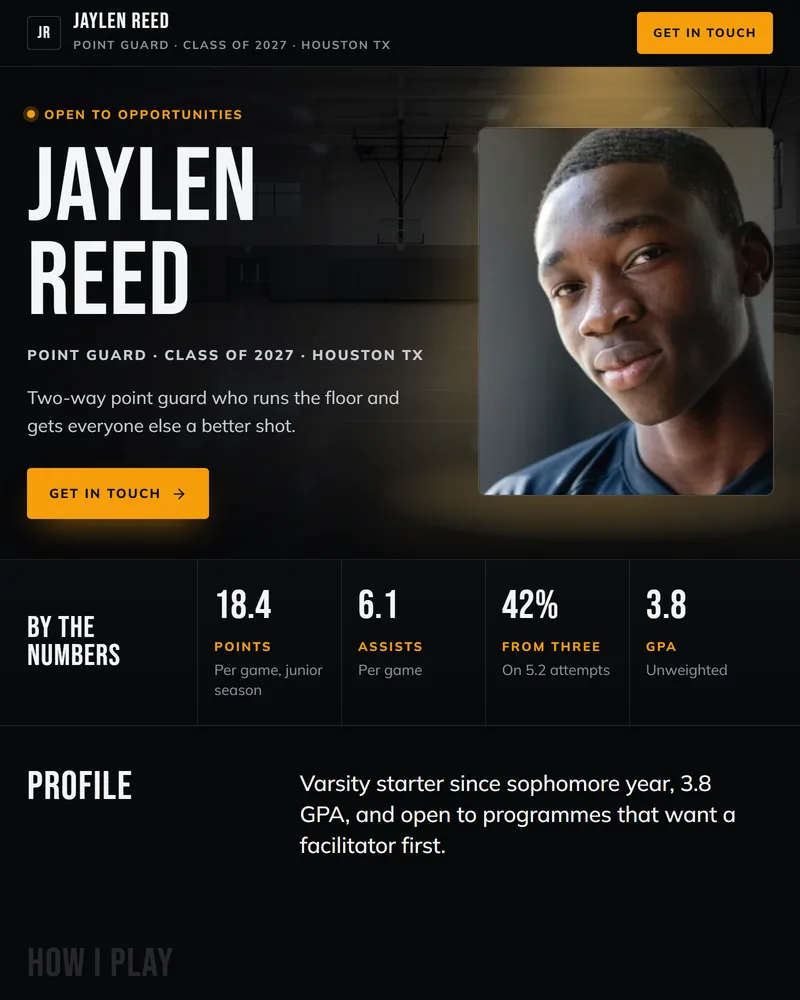
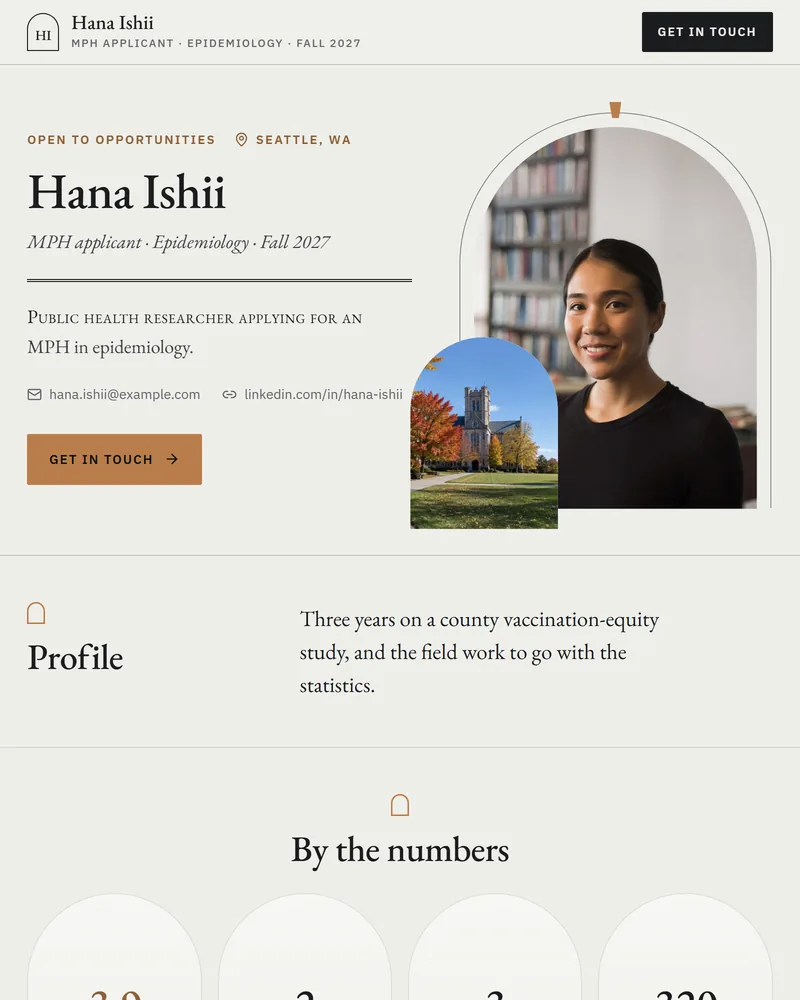
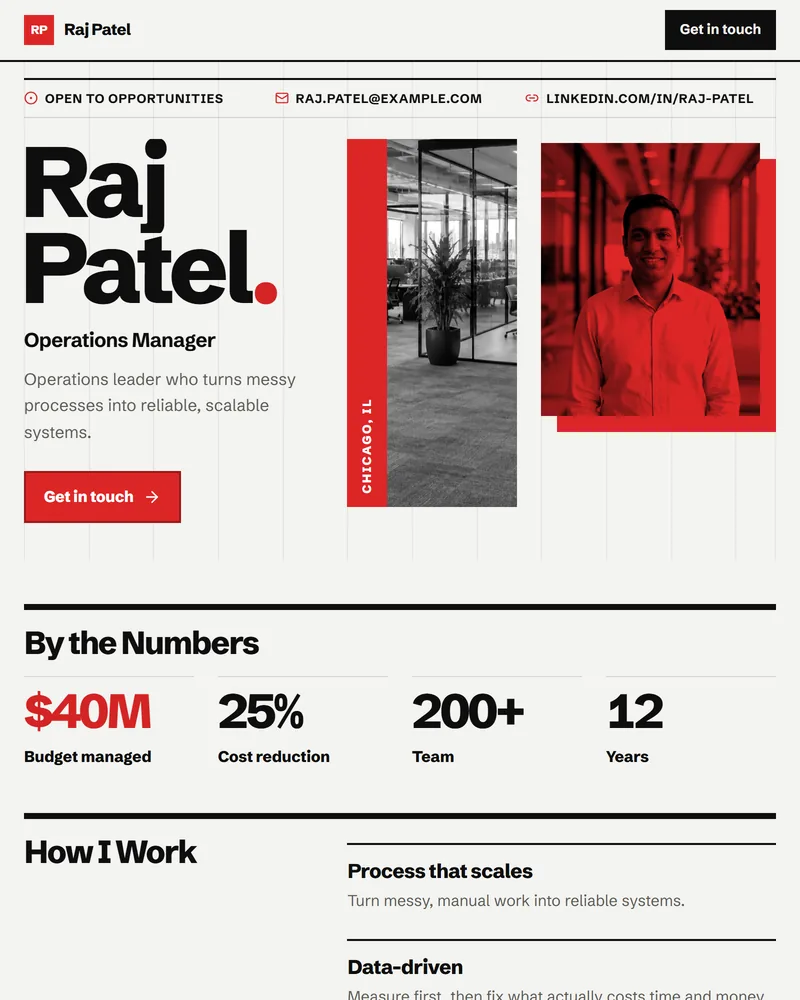
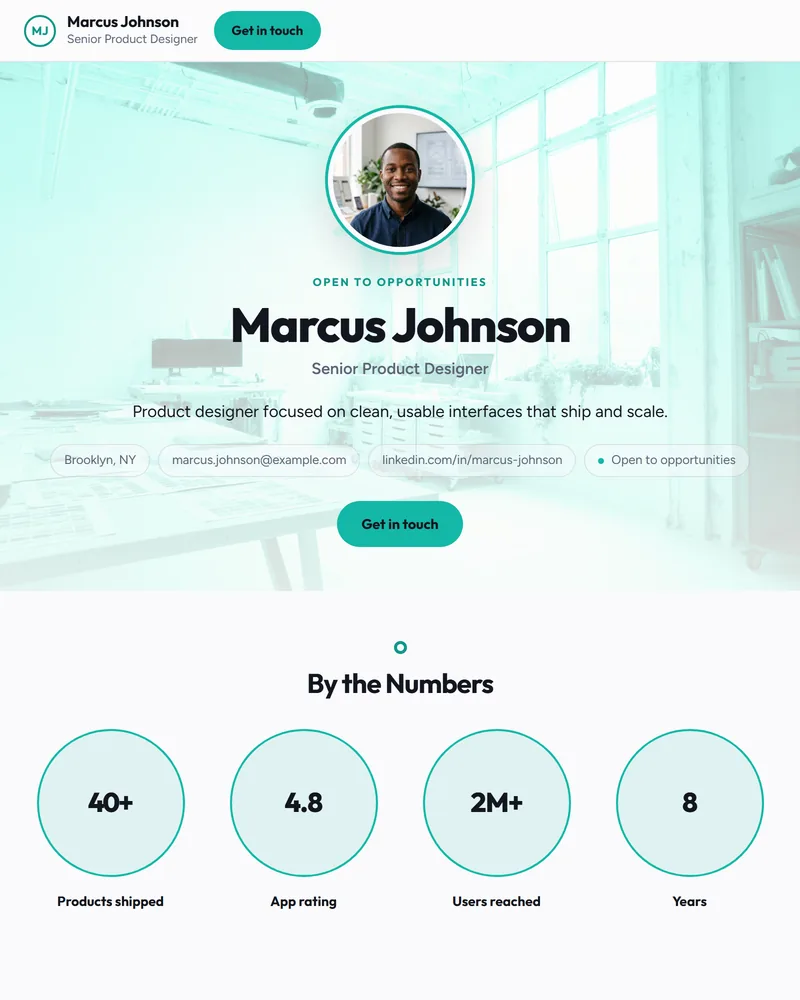
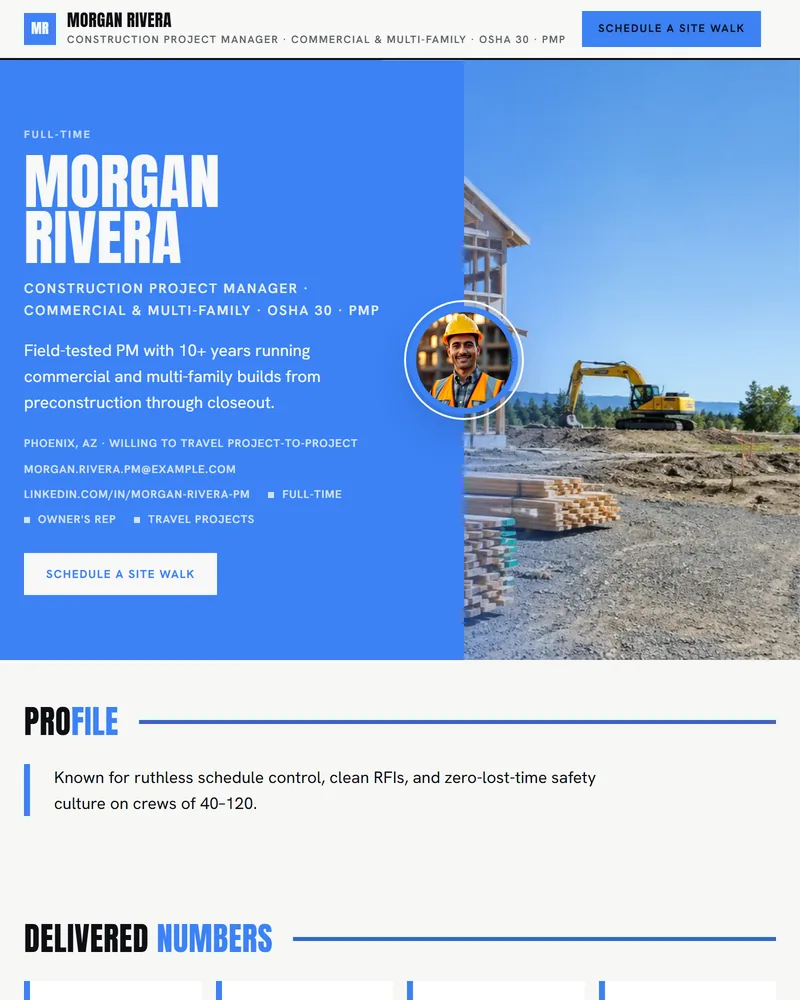
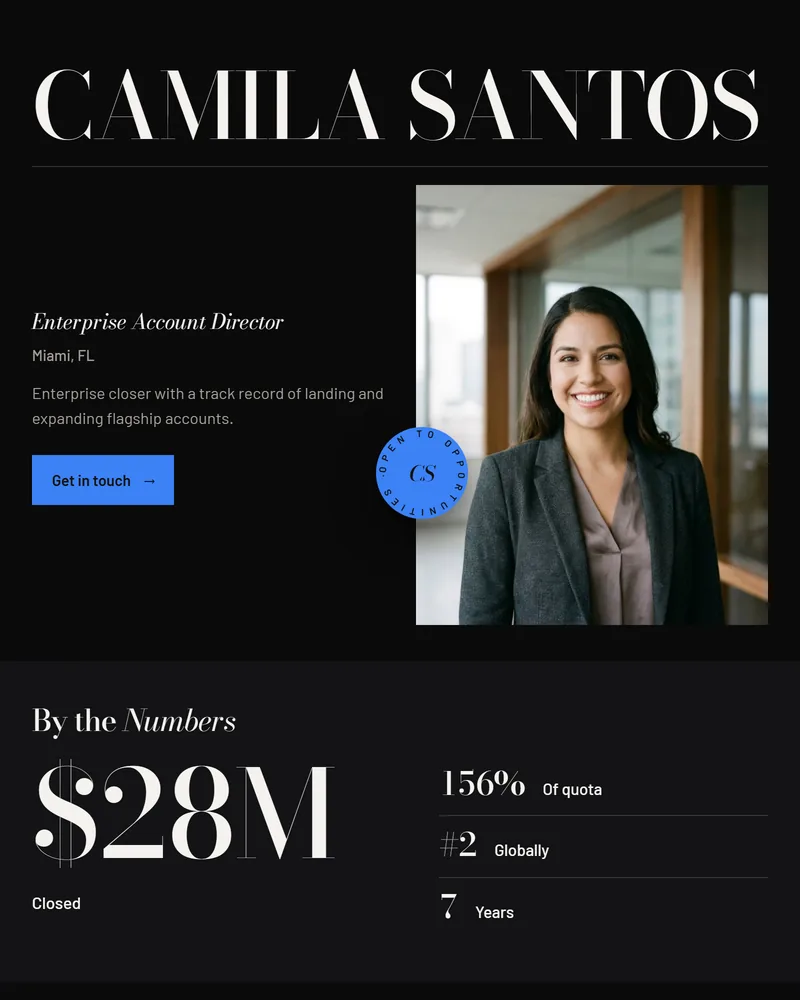
30 visual styles ship with every page, and you can switch between them after publishing. Open any one to see a finished example.
Ready to see yours?
Upload your resume and watch the page build itself. Free until you publish.