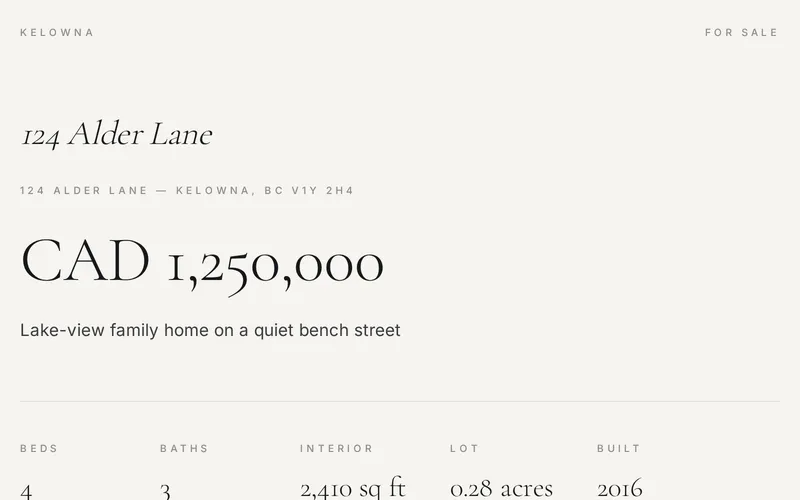
What happens between your résumé and a link.
Seven steps turn whatever you already have into a page you send instead of a PDF. Here is each one, in full.
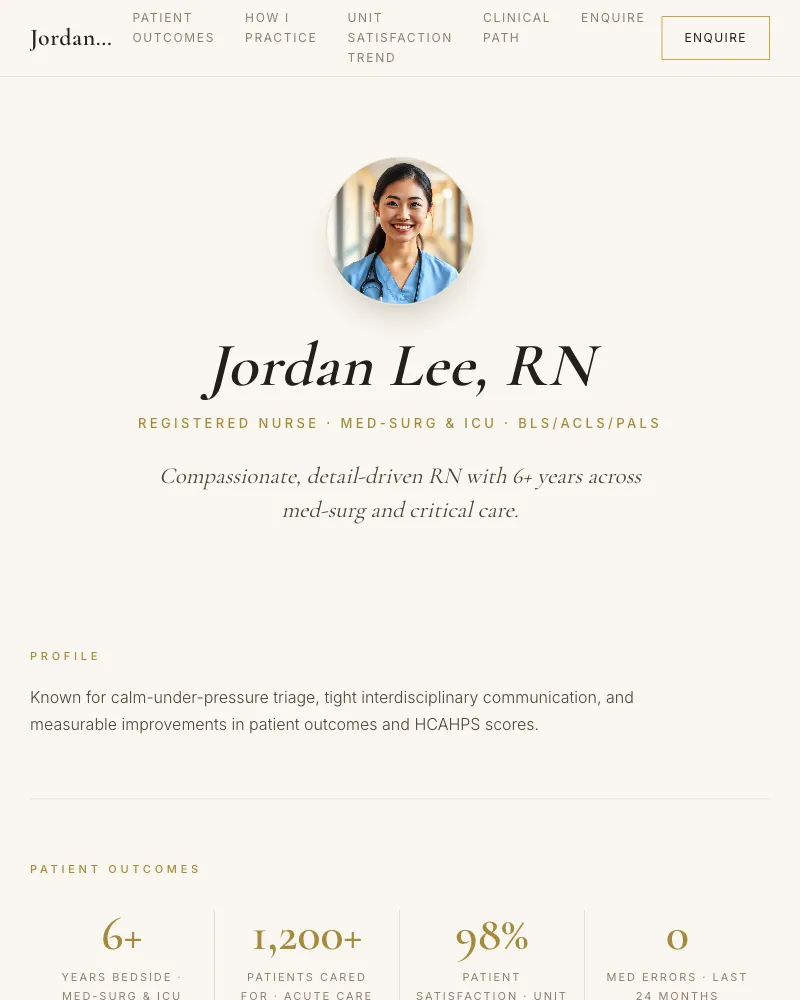
First it asks what you are pitching.
Seven kinds of page. Your answer decides which sections exist before a single question is asked about you.
- Job application
- Stand out to employers with an interactive résumé page.
- University application
- Showcase yourself to admissions committees.
- Athlete pitch
- Highlight stats, highlights, and recruiting info.
- Real estate pitch
- Present listings or your services as an agent.
- Property listing
- Market one property: photos, price, facts, and showings.
- Contractor bid
- Showcase your projects, trade, and past work.
- Sales pitch
- Pitch your product, service, or offer to potential buyers.
A property listing swaps in an extra step of its own, called The property.
The seven steps
Add your material, then Your page so far
Drop whatever you have. A page appears.
Files, pasted text, or a link. One action reads all of it and composes every section of the page.
- 16
- formats read
- 8
- supporting documents
- 8 MB
- each document
Documents
- Word (.docx)
- Word (.doc)
- Word template (.dotx)
- Rich Text (.rtf)
- OpenDocument (.odt)
- OpenDocument template (.ott)
- Apple Pages
- HTML
- Text
- Markdown
- CSV
Images
- JPEG image
- PNG image
- WebP image
- HEIC image
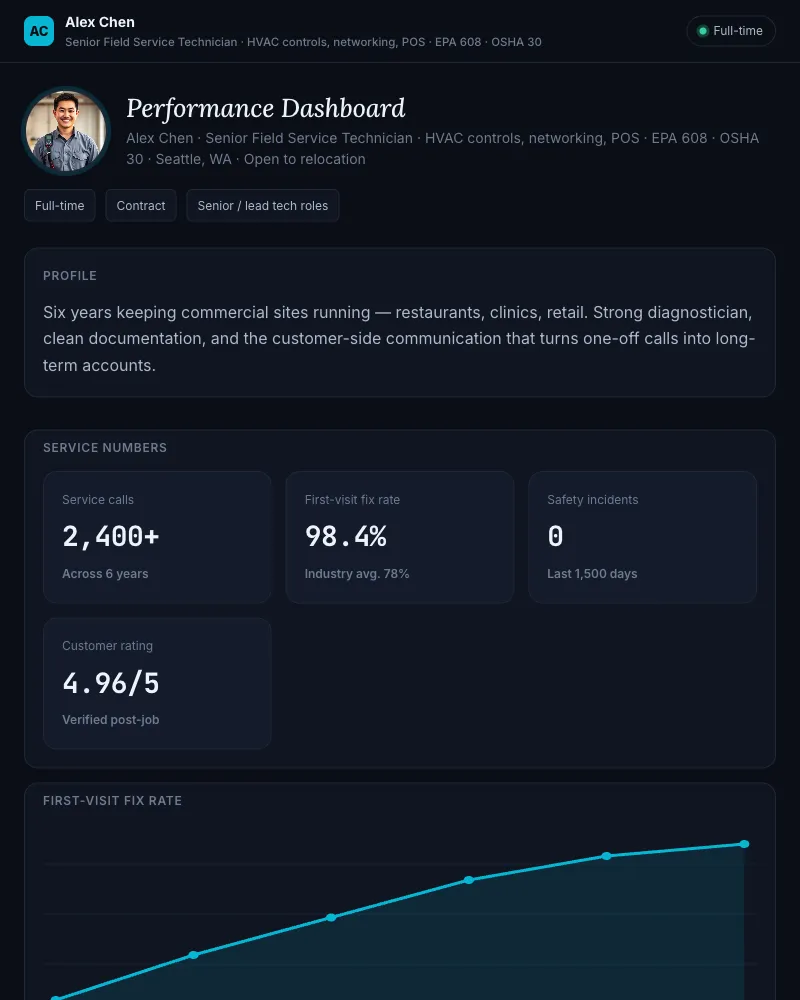
Your material didn’t have anything new for that section.

Upload and details
Your face, your city, your details.
Add a portrait, a city image, and how to reach you.
- A portrait
- Uploaded, or cropped from a photo you already have.
- A city image
- Where you are, or where you are headed.
- How to reach you
- The contact details the page shows.
- 15 MB
- the cap on each photo

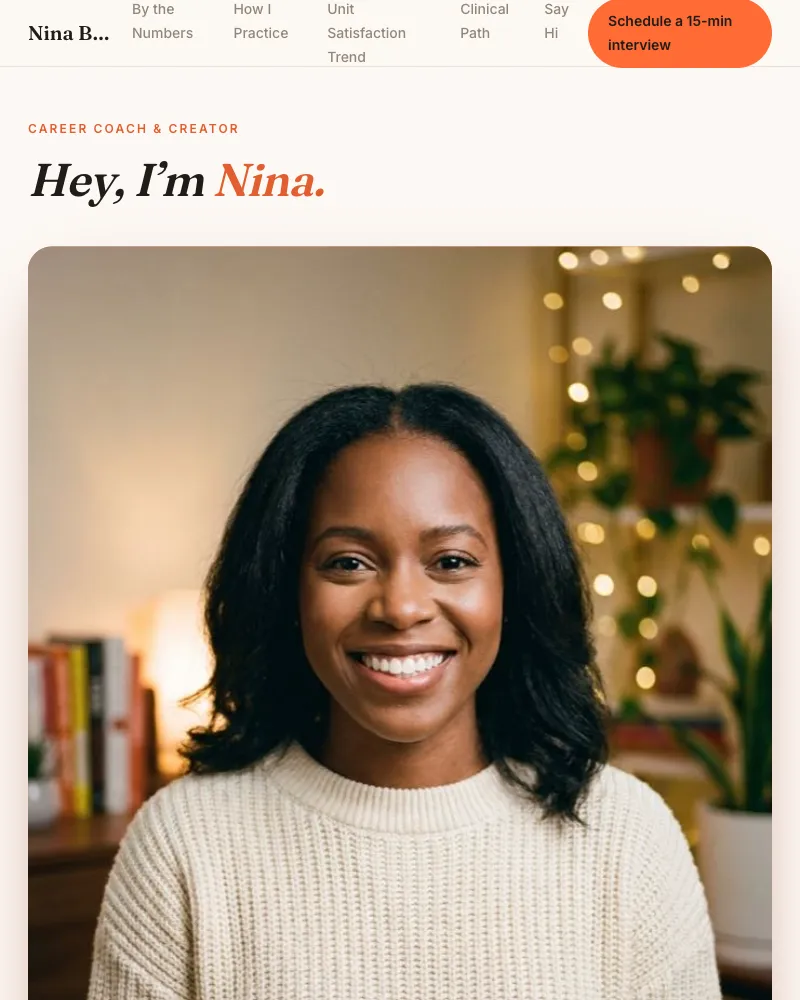
The recommended style opens first.
Pick your style
The style that fits, picked first.
One recommended design opens the step. The rest sit behind a toggle.
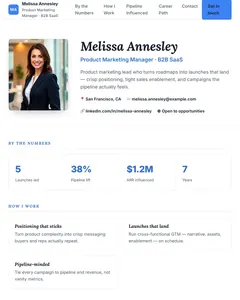
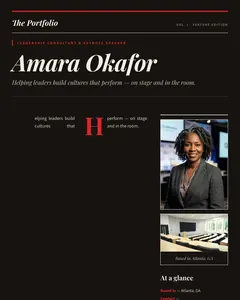

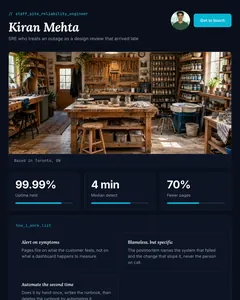
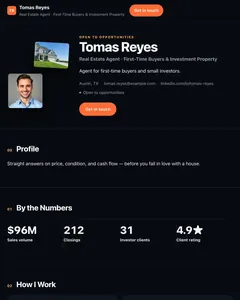
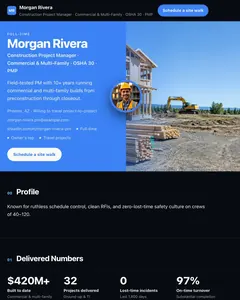
30 complete designs, 20+ colour sets each, and 29 of the 30 also come in light or dark.
Change the design after publishing, free, as often as you like.
Finishing touches
Blanks are allowed.
It asks only about sections it could not fill. Type an answer, or leave it empty and move on.
Your answer, or leave it blank
Nothing typed, that’s fine, this section stays as it is.

Intro video
Record it here, or upload a clip.
It plays inside the published page, so nobody opens an attachment to hear you.
- Light from the front
- Face a window or lamp, never have the light behind you.
- Camera at eye level
- Prop your phone up. Looking down at a lens reads as distant.
- Either way in
- Record in the browser, or upload a clip up to 50 MB.
Review and publish
It checks the page before you pay.
A thin page gets flagged, never blocked.
- Free to build and edit
- The whole way through, up to the moment you publish.
- Credits never expire
- Buy one now, use it whenever.
- Refundable for 14 days
- Unused credits, no questions.
What the check looks at
- Basics
- Name, headline and bio live on the first step.
- Style
- No style picked yet.
- Portrait
- No photo yet, most styles use one.
- Intro video
- Optional, and the page publishes without one.
Every one of these is a nudge. None of them stops you publishing.
One link per person. No cookies.
A tracked link for each recipient. What it reports is deliberately coarse, and what it never collects sits beside it.
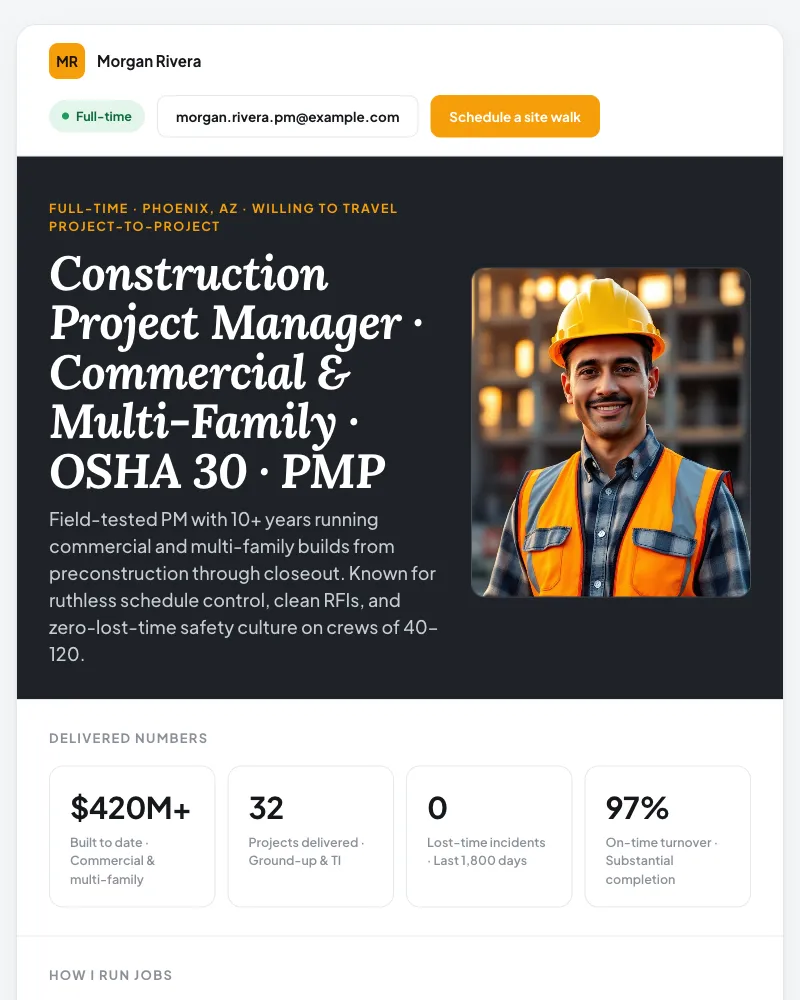
What the link tells you
- Opens
- Someone opened the link you sent them.
- Video watch depth
- How far into the intro video they got.
- Résumé downloads
- Whether the résumé was taken.
- Scroll depth
- How far down the page they reached.
- Time on page
- Reported as coarse bands, never exact seconds.
What it never does
- No cookies
- Published pages set none.
- No IP stored
- The address is never kept, raw or hashed.
- Do Not Track
- Obeyed, and the visit is not recorded.
- Global Privacy Control
- Obeyed the same way.
- Your résumé
- Read once to build the page, stored privately, never shown on it.
Start with what you already have.
Free to build and edit, the whole way through. $9 once to publish, per page. No subscription.
Build my page free