
The pitch page for designers — stand out from a stack of resumes.
PitchPage turns your design resume into a single shareable page that does what a portfolio alone can't: it leads with the impact of your work — the metrics it moved, the problems it solved — then links your portfolio and adds a 60-second video where a hiring manager meets you first. Great work gets lost in a wall of screenshots; a pitch page frames why it mattered.
Why it works for designers
- 01
Impact, not just screenshots
Conversion lifts, engagement gains, support tickets cut, time-to-task reduced — the business results behind your design become metric cards, so hiring managers see outcomes, not only aesthetics.
- 02
Your portfolio, with context
Link your Behance, Dribbble, or case-study site — but lead with the story and the numbers. A pitch page is the one-screen "why you should look" that makes them click through.
- 03
Process and a human first
A 60-second video shows how you think and communicate — half of design hiring. Pair it with a PM or engineer's testimonial about shipping with you, and the page proves collaboration, not just craft.
See a finished page
A page built this way
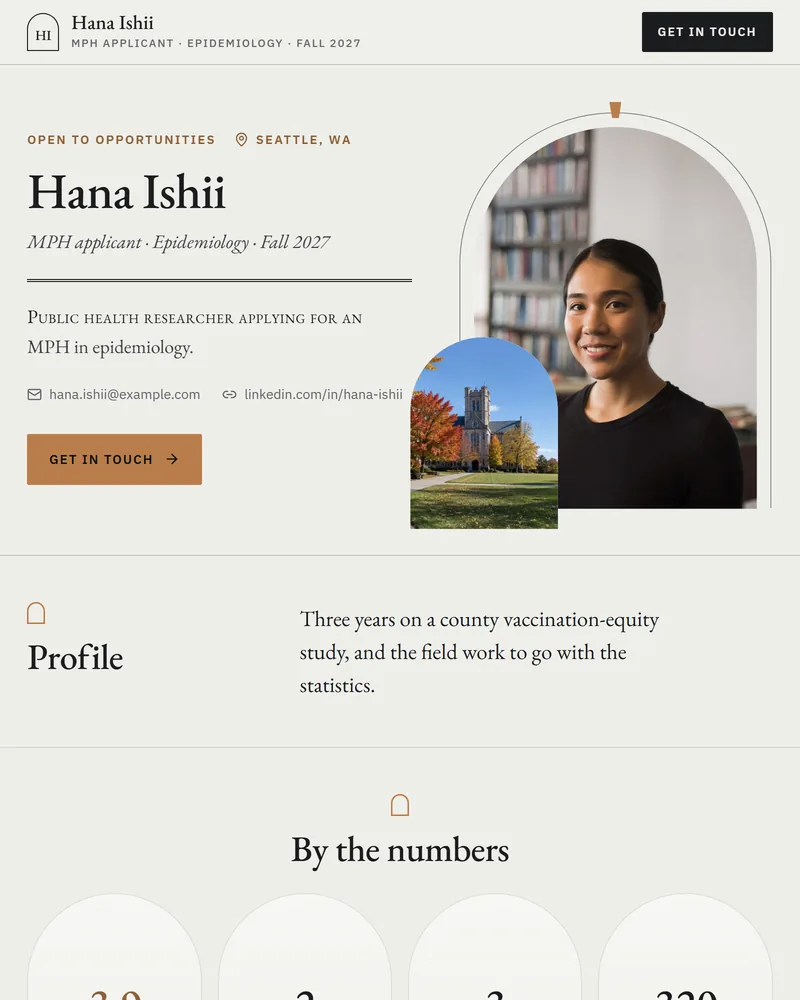
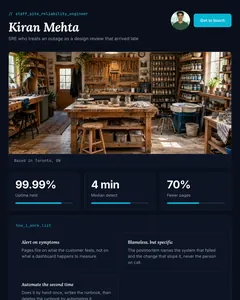
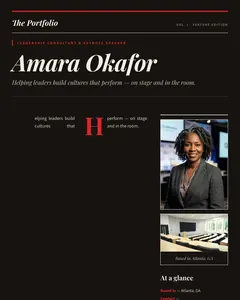
A finished designer pitch page leads with outcome metrics and selected work, then process, tools, and a collaborator testimonial — with your portfolio one click away.
See example pitch pagesQuestions designers ask
- What should a designer send instead of a resume?
- A pitch page — one link that leads with the impact of your work, links your portfolio, and adds a short video. You keep the resume for the ATS and your portfolio for the deep dive; the pitch page is the one screen that makes a hiring manager want both. PitchPage builds it from your resume in minutes.
- Isn't my portfolio enough?
- A portfolio shows what you made; it rarely shows why it mattered or who you are. A pitch page leads with results and a video, then sends them into the portfolio already convinced it's worth their time. Use both — the pitch page is the link you actually send.
- How do I show impact when design results are hard to measure?
- Use the numbers you have and frame the rest: "redesign lifted signups 18%," "cut onboarding drop-off in half," or simply the scope — "shipped the design system 40 engineers build on." The metric and story sections hold both hard numbers and clear outcomes.
- I'm a junior or self-taught designer — does this work?
- Yes. The AI shapes the page around what you have: course or passion projects, a redesign concept, the tools you use, and a video introduction — which matters most early on. Sections you don't have content for simply don't appear.
- What does it cost?
- Building and editing your page is free. Publishing it as a live shareable link costs $9, one time — no subscription. Edit and republish whenever you ship new work.
Other roles

Build your design pitch page
Free to build, $9 to publish. Upload your resume and watch the page build itself.